Field Force Management Software with Live Tracking
Field force management software helps sales managers see where their team is, what they are doing and what results each visit delivers. mSELL field force tracking combines live GPS tracking, geo-fenced check-ins, task management and visit reports in one employee tracking app for field sales teams. Also known as a salesman tracking app, it runs on Android and iOS.
Instead of chasing reps on calls, managers get a live map of the team, planned vs actual visits and productivity dashboards. Reps get a simple field sales tracking app that shows their tasks, captures forms and photos, and works in low-network areas. The result is better market coverage, honest reporting and more time spent with customers.
Key Features of Field Force Management Software
Track where your team is, plan visits, and capture outcomes in one place. Less chasing on calls, more time with customers.
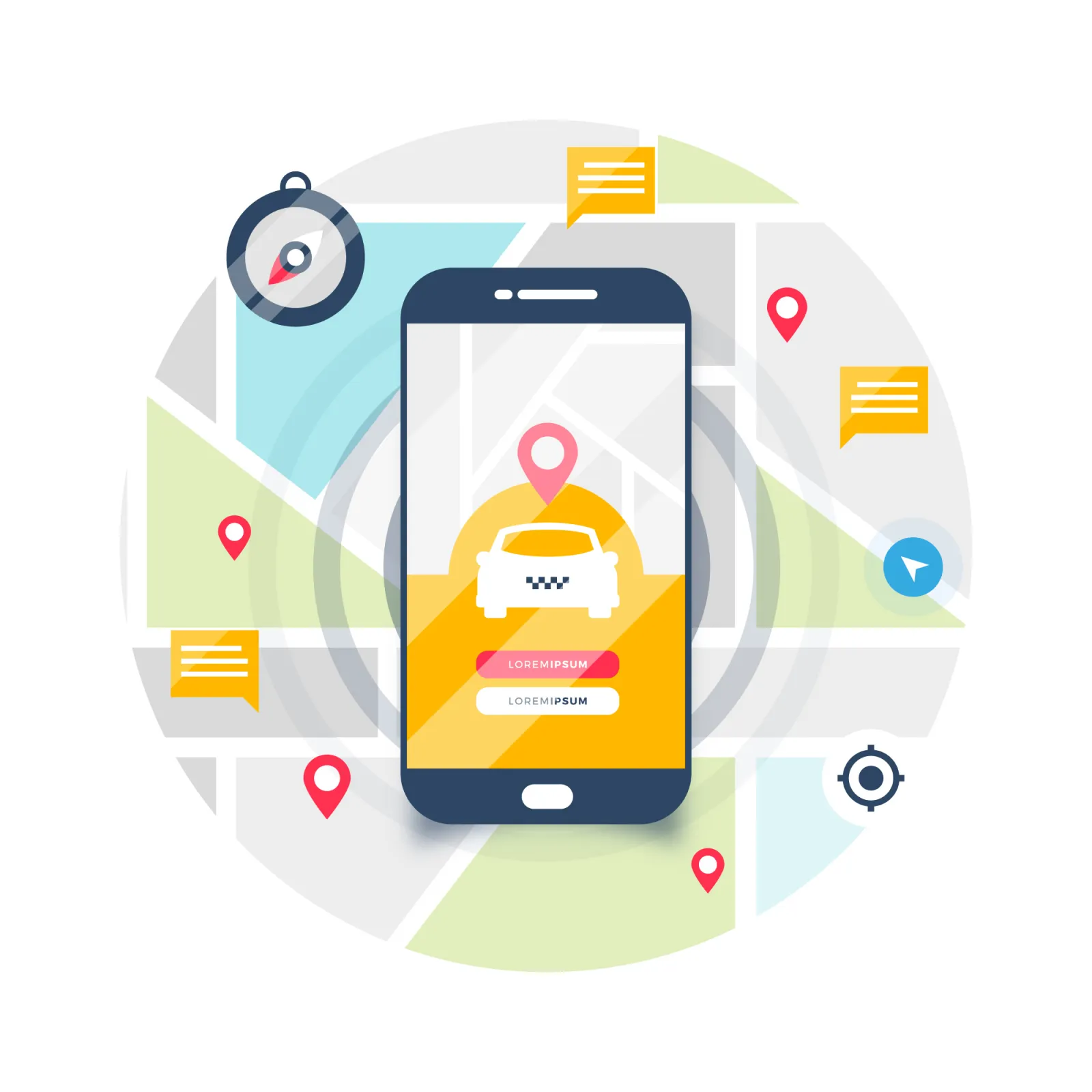
Real-Time GPS Tracking
- Live location tracking of field agents.
- Route history and geo-fencing alerts.
- Ensures transparency and accountability.

Task & Activity Management
- Assign, update, and track tasks or client visits.
- Activity logs (check-in, check-out).
- Daily work planning and reports.

Creative ideas on app.
- GPS-based check-in/check-out.
- Time-stamped location logging.
- Geo-fencing to restrict attendance to assigned areas.
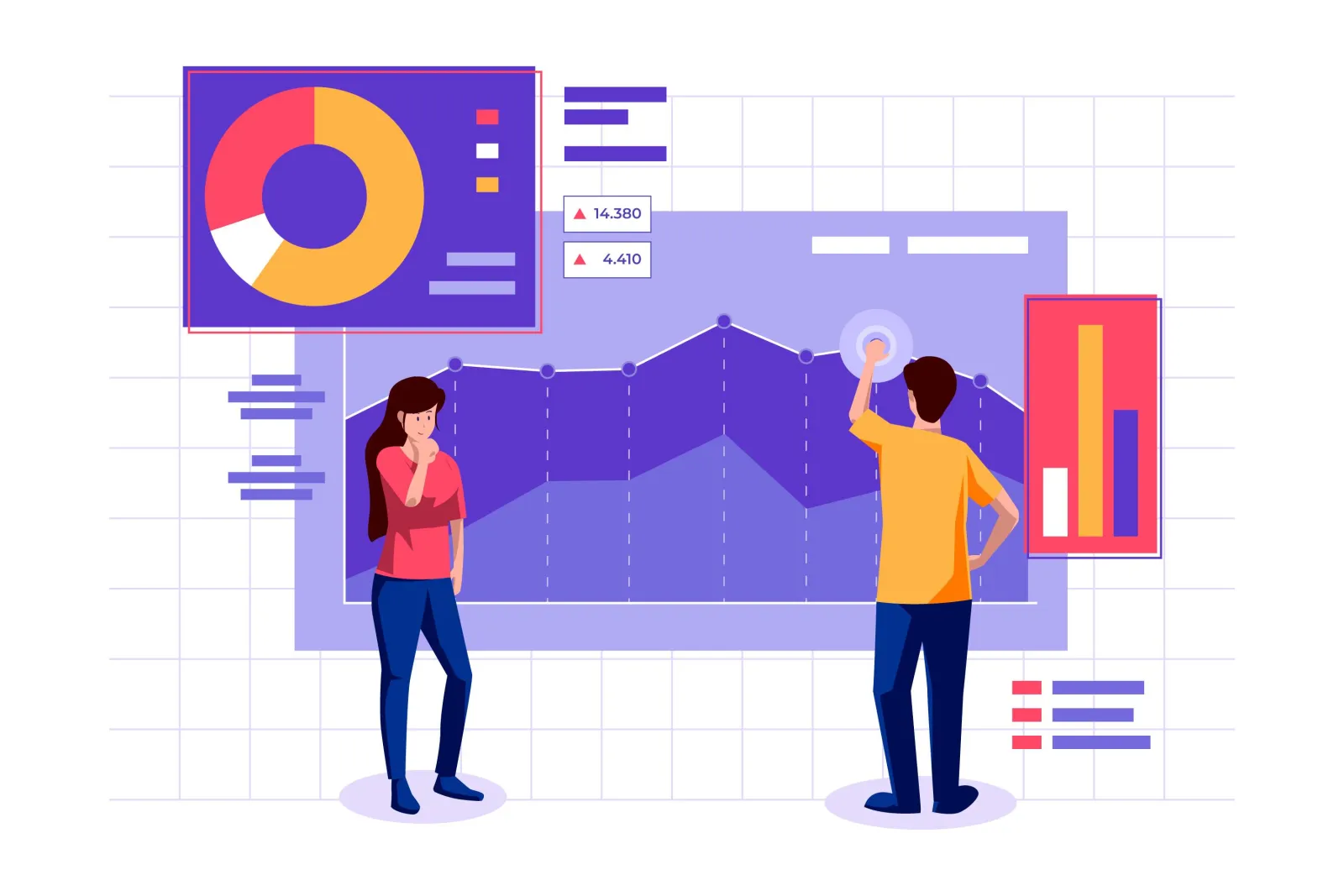
Reporting & Analytics
- Performance dashboards for individuals and teams.
- Customizable reports: daily, weekly, monthly.
- KPI Tracking (visits, closures, sales targets, etc.)

Data Capture & Forms
- Photo capture of visits, documents, or products.
- Custom form fields for data entry (e.g., feedback, orders).
- Digital proof of service or delivery.

Collaborative Team Workspaces
- Create collaborative work spaces for your individual sales teams.
- Smoother team workflow with shared activities, insights, alerts, notifications, and support calls.
Employee Privacy and Compliance
Salesman tracking should be transparent and fair. Tracking in mSELL is tied to the working day through check-in and check-out, reps know when their location is being recorded, and access to location data is limited by role so only authorised managers can view it.
How Field Force Tracking Works
- Step 1Reps start their day with a GPS-verified check-in on the mobile app.
- Step 2Location is tracked during working hours and shown on a live map.
- Step 3Each outlet visit is geo-tagged, with forms, photos and notes captured on the spot.
- Step 4Route history and time spent at each location are recorded automatically.
- Step 5Managers review coverage and productivity on dashboards and daily reports.
Benefits for Sales Managers
- Know where every rep is without calling them.
- Verify that planned visits actually happened.
- Improve beat coverage and reduce wasted travel.
- Spot top performers and coaching needs from real data.
- Replace manual daily reports with automatic visit logs.
Related Solutions
Frequently Asked Questions
How does field force tracking work?
The mobile app records GPS location during working hours and geo-tags every check-in and visit. Managers see live locations, route history and visit reports on a web dashboard.
Can tracking be limited to working hours?
Yes. Tracking is linked to the rep’s check-in and check-out, so location is recorded during the working day.
Does it work in areas with poor network?
Yes. The app stores visits and data offline and syncs once connectivity is available.
Is it available on Android and iOS?
Yes. The mSELL app is available on Android and iOS.